Hard Disk PCB FAQ
What is a hard disk PCB?
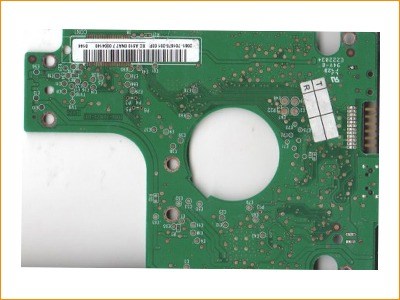
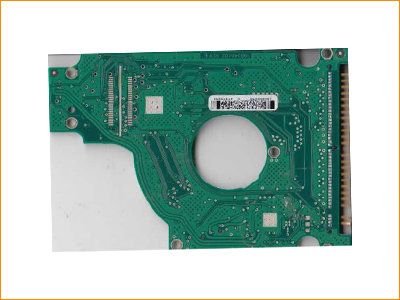
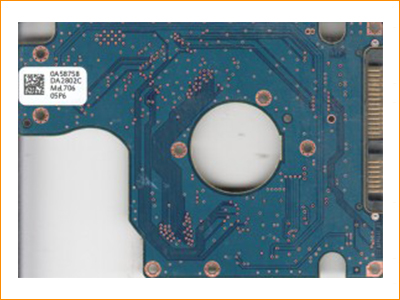
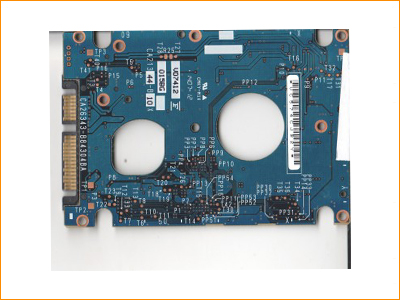
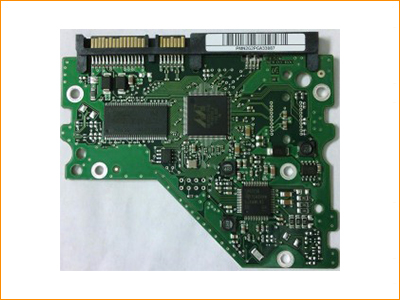
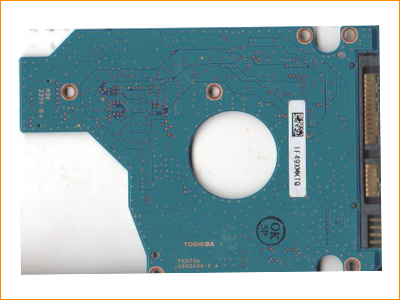
A hard disk PCB is the printed circuit board mounted on the underside of a hard drive. It contains controller electronics, power circuitry and interface components that help the drive communicate with a computer.
Can I replace a hard disk PCB with any board from the same brand?
No. A compatible PCB usually needs matching board number, controller family and other drive-specific details. In many modern drives, ROM or adaptive information must also match the original drive.
Does a PCB swap recover data automatically?
Not always. A PCB swap can help only when the PCB is the main point of failure and the replacement is correctly matched. Mechanical, head, firmware or platter problems require different recovery procedures.
What details are needed to match a donor PCB?
Useful details can include hard drive brand, model number, PCB board number, controller markings, firmware family, capacity and clear photos of the original PCB and drive label.
What is ROM transfer in hard disk PCB repair?
ROM transfer means moving or reproducing drive-specific adaptive information from the original PCB to a compatible replacement PCB. This can be necessary for the drive to identify and operate correctly.
Can a burnt hard disk PCB be repaired?
Some PCB failures can be repaired if damage is limited to protection components, power circuitry or replaceable board parts. The condition of the original drive must be checked before attempting repair.
Why is my hard disk not detected after PCB replacement?
The replacement PCB may be incompatible, ROM or adaptive data may not match, or the drive may have additional firmware or mechanical faults.
Which hard disk PCB brands are supported?
This page covers Western Digital, Seagate, Hitachi/HGST, Fujitsu, Samsung and Toshiba hard disk PCBs.
Is PCB replacement safe for important data?
PCB work should be handled carefully because incorrect boards, improper ROM handling or repeated power-on attempts can reduce the chance of successful recovery.
When should I stop trying PCB replacement and contact a data recovery lab?
If the drive clicks, spins down, is not detected after a correctly matched PCB, has visible physical damage, or contains important business data, professional diagnosis is recommended before further attempts.